

New Year, Same Passwords: A Gentle Reset Plan
January 15th, 2027
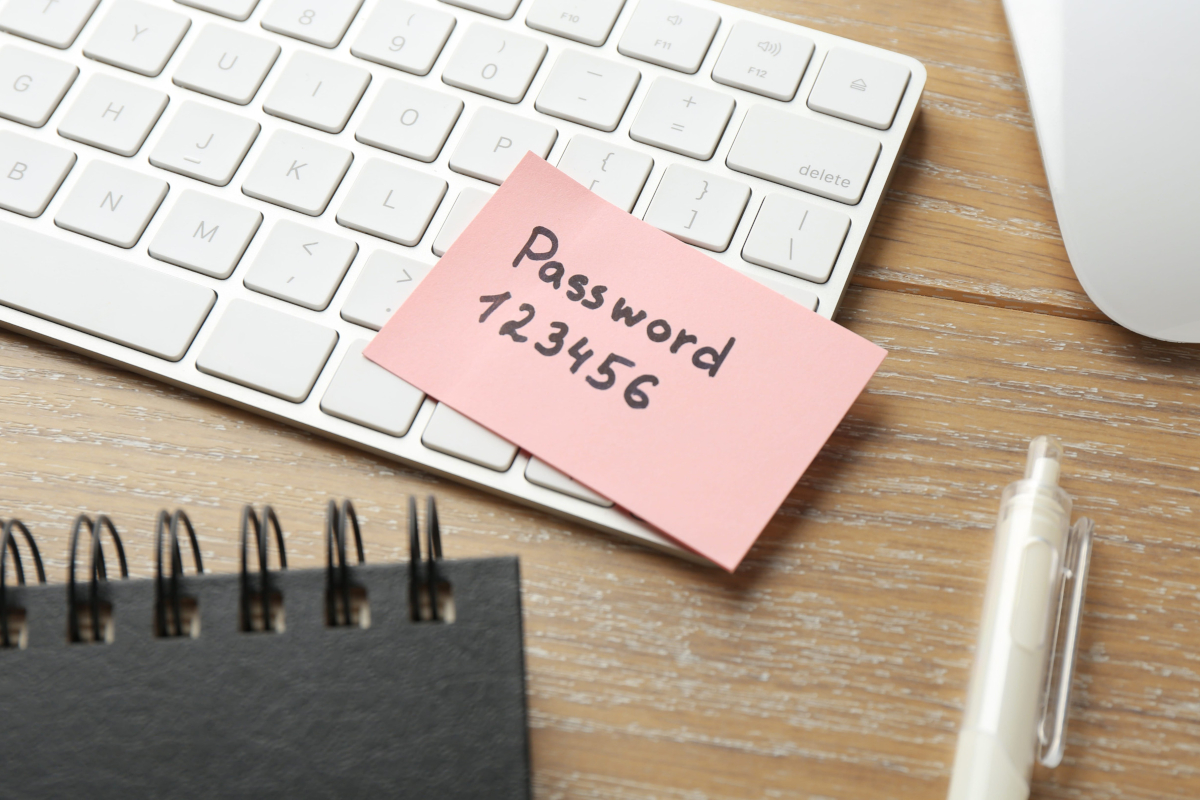
Every January, someone sends around a security memo that says to change all passwords and turn on multi-factor authentication. Everyone nods, changes one password, and forgets the rest by February. The problem is not laziness. The problem is that "change everything" is not a plan. It is a wish.
Password work is worth doing, and it does not require a painful weekend. A small business can make real progress in a few short sessions if it stops treating the task as one giant project and breaks it into something a normal person can finish.
Start with the accounts that can hurt you
You do not need to fix every login on day one. Rank them by damage. At the top are the accounts that can unlock everything else: email, the domain registrar, banking, payroll, and the administrator account for your computers or cloud services. Email belongs at the very top because password resets for almost everything else land in that inbox.
After the critical group comes the accounts that hold customer or employee data. The bottom of the list is shopping accounts and newsletters. Getting the top of the list right protects more than a scattered effort across all of it.
Use a password manager before you touch the passwords
The reason people reuse passwords is that remembering forty unique ones is impossible. A password manager makes it possible. It stores each login behind one strong master password, generates long random passwords for each site, and fills them in automatically. Most managers also warn when a password has appeared in a known breach.
Pick a manager your team will actually use, not the one with the longest feature list. A browser built-in manager is better than none. A dedicated business manager adds sharing controls and recovery options, which matter once more than one person needs access to a shared account.
Change the reused passwords first
You do not need to change every password at once. Sort the manager's list by reuse and start there. If the same password opens your email and your bank, that is the first one to fix. A password that unlocks a rarely used store account can wait.
As you go, replace weak or reused passwords with generated ones. The manager remembers them, so length stops being a burden. Aim for passphrases or generated strings long enough that guessing is impractical, and stop worrying about whether they contain a symbol from every row of the keyboard.
Turn on multi-factor authentication, starting with email
Multi-factor authentication adds a second proof at login, usually a code from an app or a hardware key. It is the single best defense against a stolen password, because a password alone stops being enough. Start with email, the domain registrar, banking, and payroll.
Prefer an authenticator app or a hardware key over text messages. Text codes can be intercepted or redirected, though they are still far better than nothing. Save the recovery codes somewhere safe, not in the same place as the password.
Clean up shared accounts and old users
Shared logins are common in small businesses and they quietly undermine every other improvement. When five people use the same login, a password change becomes a group project, and nobody can tell who did what. Where sharing is unavoidable, use the password manager's sharing feature instead of a sticky note, and limit who can view the password.
Then remove people who no longer work there. Check email, file sharing, payroll, the phone system, and any industry software. Former employees are one of the most common gaps found in a security review, not because they are malicious, but because nobody owned the offboarding checklist.
Write down the recovery plan
Passwords are only useful if you can get back in. Make sure at least two trusted people can recover the master password, the email administrator account, and the domain registrar. Store recovery codes offline in a locked place. Test one recovery path before you need it.
This is also the moment to confirm who owns each account. If your email or domain is registered under a former provider's name, fix that now. It is much easier while everyone is still answering the phone.
A schedule that fits real work
- Week one: choose a password manager and install it on the devices your team uses daily.
- Week two: move the critical accounts into it and change their reused passwords.
- Week three: turn on multi-factor authentication for email, banking, payroll, and the domain registrar.
- Week four: remove old users and shared logins, then store recovery codes offline.
After that, a quarterly review is enough. Check for reused passwords, review who has access, and confirm that new hires were added and departures were removed. The goal is not perfect security. It is fewer doors standing open.
Make it ordinary
Password habits improve when they are treated like cleaning the office fridge: a small recurring chore instead of an annual crisis. The business that does a little every quarter ends up safer than the one that attempts a dramatic overhaul and abandons it halfway through.
If you would rather have help, HTS Voice & Data Systems works with businesses on cybersecurity services in San Antonio and the surrounding area, including password policy, multi-factor authentication, and account cleanup. Call (210) 495-5520 or contact us to start with a review of what you have today.
Posted in: Cybersecurity