

What Ransomware Looks Like From the Inside
May 15th, 2027
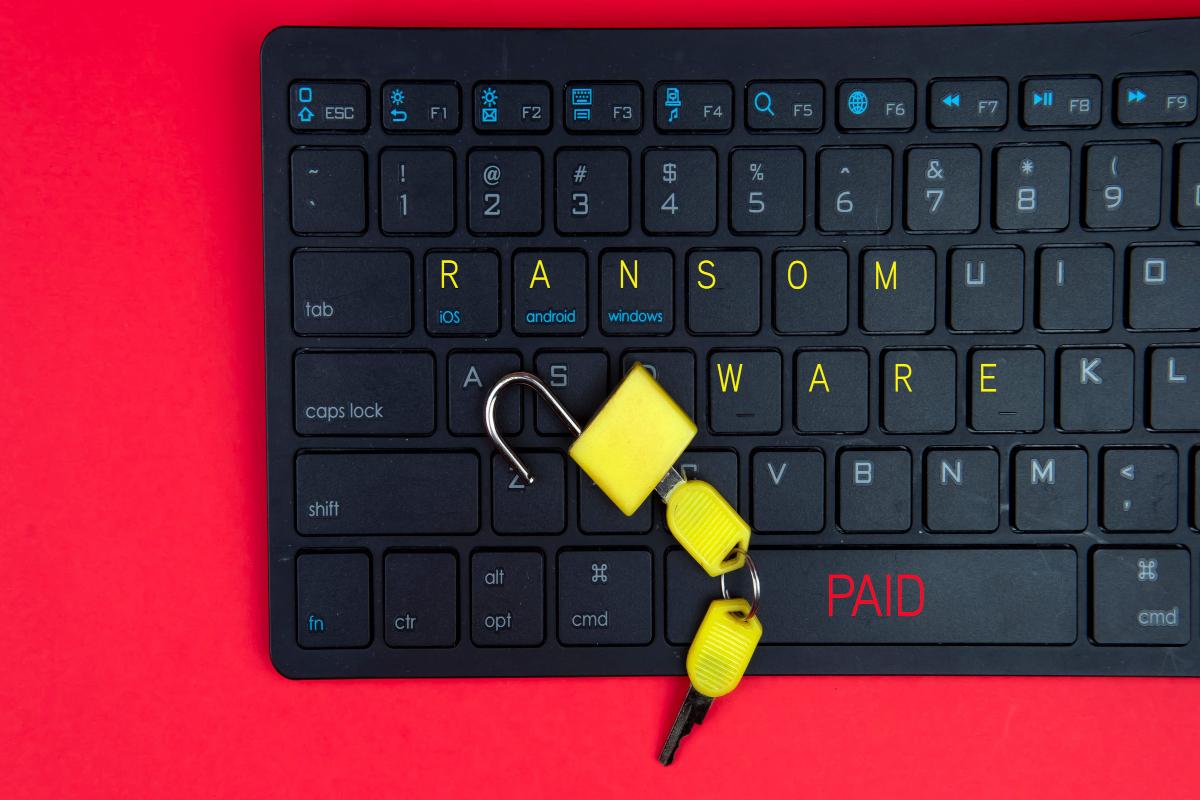
In movies, a cyberattack is a room full of screens and a countdown clock. In a real small business, it starts with an email that looks like an invoice, a click, and a computer that runs a little slowly. Nobody notices for a day or two. Then a file will not open. Then another. By the time anyone understands what is happening, the damage is done and the questions are already expensive.
Ransomware is not a single event. It is a chain of small, ordinary-looking moments. Understanding the chain is what makes it possible to break it before the end.
Day one: the quiet part
The most common entry point is still a person. An email arrives that looks like a shipping notice, a payroll update, or a question from a customer. It carries a link or an attachment. Someone opens it because it looks routine, and the malware begins running in the background.
Other paths exist: a weak password on a remote access service, a vulnerable program that was never updated, or a supplier whose own network was compromised. Whatever the path, the first hours are usually quiet. The attacker looks around, collects credentials, and decides how far to go.
Day two: small things feel wrong
This is where the story becomes recognizable. A shared folder takes much longer to open. A file that worked yesterday is now corrupt. An employee cannot log in. A printer behaves strangely. Someone jokes that the computer needs coffee.
These are the warning signs that get explained away. A business that has a plan recognizes them sooner. A business that does not usually waits until something dramatic happens.
Day three: the demand
The ransom note appears, sometimes on the screen and sometimes as a text file in every folder. Files are encrypted and renamed. The message offers a key for a price and a deadline. It may include a sample of stolen data to prove the attacker has it.
This is the moment when a business discovers what it actually has. Are there backups? When were they last tested? Are they isolated from the network? Who has the contact information for the insurance company, the lawyer, and the IT provider? The answers determine whether the next week is a recovery or a crisis.
Why paying is a bad bet
Paying does not guarantee anything. Attackers may not return the data, may return it damaged, or may come back for a second payment. Paying also funds the next attack and may create legal and insurance complications. Law enforcement and security professionals generally advise against it, and many insurance policies now require a professional response before any payment is considered.
The reliable way out is a backup that was made before the attack and can be restored without reintroducing the malware. That is why the backup is not a checkbox. It is the whole plan.
What a real backup looks like
- It is separate. A backup that lives on the same network as the original files can be encrypted along with them.
- It is regular. Daily or more often for files that change constantly.
- It is tested. Someone has actually restored a file and a system from it, not just read a success message.
- It is documented. The business knows where it is, who can access it, and how long a restore takes.
- It has versions. Multiple recovery points, so a corrupted or encrypted file does not overwrite the last good copy.
The same principle applies to cloud services. Many cloud providers protect their own infrastructure, not your configuration or your deleted files. Check what is actually covered and what the recovery window is.
Reduce the number of easy doors
Ransomware does not need a sophisticated plan. It needs one opening. The most effective defenses are unglamorous and well known:
- Multi-factor authentication on email, remote access, and administrator accounts.
- Prompt updates for operating systems, browsers, and common software.
- Least privilege. Most employees do not need administrator rights on their computers.
- Email filtering that catches obvious malicious messages before they reach an inbox.
- Separate administrator accounts that are not used for daily email or browsing.
- Training that is short and repeated. One annual presentation is not enough.
None of these make a business invincible. Together they make it a harder target, and attackers prefer easy ones.
Write the response before you need it
A one-page incident plan is worth more than a shelf of security products. It should name who calls whom, where the backups live, how to reach the insurance company, and who speaks to employees and customers. It should also say who has authority to shut down systems, because that decision often needs to happen in minutes.
Keep a printed copy. If the network is down and files are locked, a plan stored only on the affected file server is not a plan.
Practice the boring parts
Restore a file from backup this month. Confirm the contact list is current. Check that multi-factor authentication is turned on for the accounts that matter most. These small exercises are how a business turns a scary story into a manageable Tuesday.
HTS Voice & Data Systems helps businesses prepare for and respond to incidents through cybersecurity services in San Antonio, including backup design, email protection, and recovery planning. If you are not sure your backup would survive a real attack, call (210) 495-5520 or contact us and we will test it with you.
Posted in: Cybersecurity